Test what your app does, not what your code says
Studio understands your application by observing how it responds, before and after every test run.

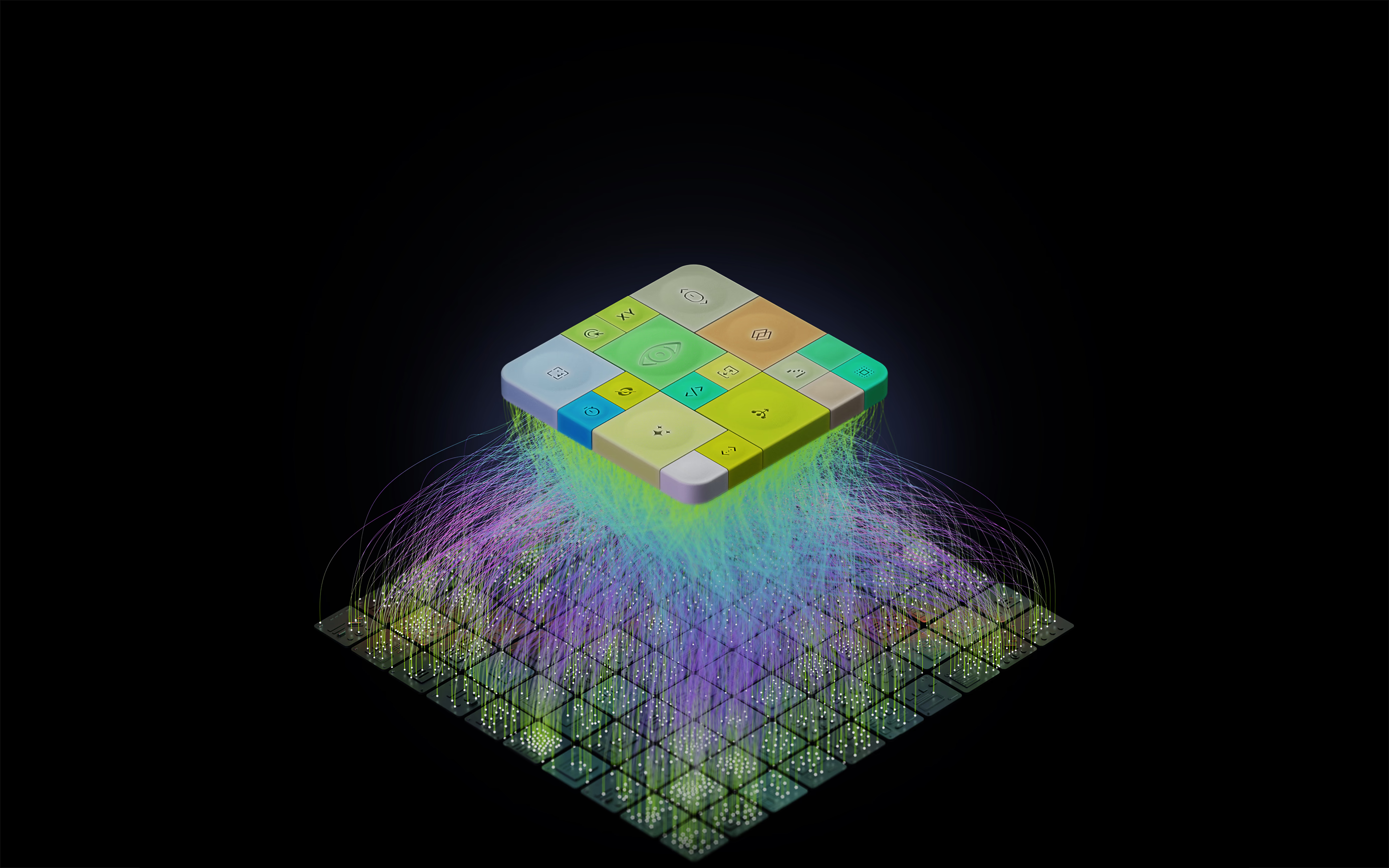
Context from your app, engineered into every decision
Thin surface, real control
Log in and start testing. No infrastructure, nothing to maintain. Tell Studio what to test in chat. Every run and decision the agent makes is there to inspect when you need it.
Your intent becomes a test plan
An agent reads what you asked for and maps it into ordered test steps, each one specific enough for another agent to act on. What runs is what you actually asked for, not the agent's guess.
Execution from understanding
The agent takes the test plan, spins up an isolated VM, and connects to your app. Each step acts on how your app behaves, not what a script expected, so a changed screen doesn't break the run.
Your app behavior informs each step
Studio sees each element the way a person would: what it is, where it sits, what state it's in. It knows what things are, not what the code calls them, so tests keep working where selectors break
Intelligence compounds
Every run teaches Studio more about your app: how your flows behave, where your edge cases live. The longer it runs, the sharper it gets.
You set the autonomy

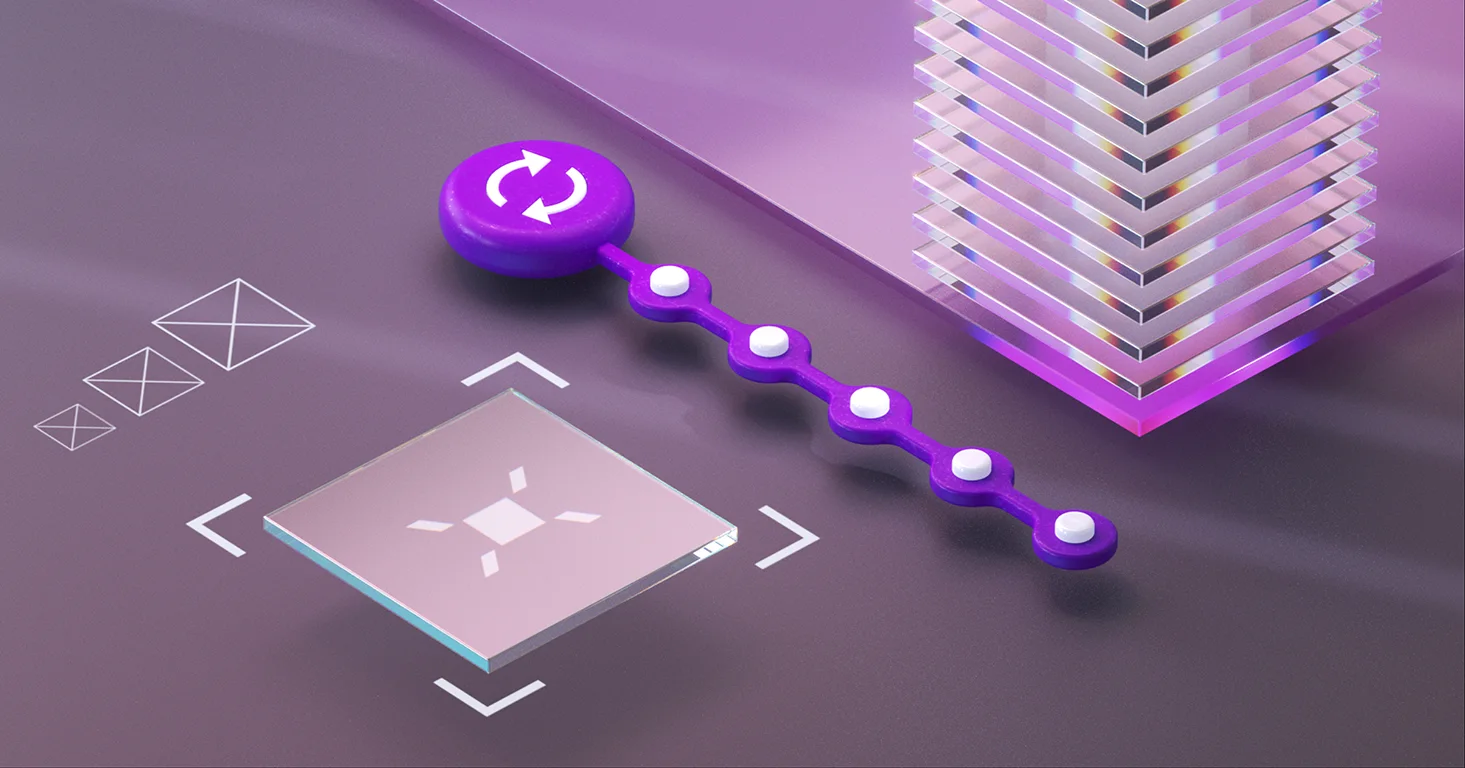

Deterministic execution
Every match is visible
You stay the decision maker
Built here. Not wrapped.
Studio judges how your product runs on models Functionize built for this work, not a general model wrapped in a testing prompt. The difference shows up in three things you can measure.
Fidelity
Speed
Input
See how Studio understands your application context
Enterprise ready
Deploy in the Functionize cloud or inside your own environment

Pin the runtime and the model behaves identically across runs: same element matching, same verdict. Each runtime release maps one-to-one to a model version, so a pinned suite reproduces release to release. The remaining variance is your app's runtime state and the network, not the platform.
Any edited step writes a restore point that records what changed, on which step, and why, and you roll back to the exact state before it with one click. In-run element matching doesn't edit your test, so there's nothing to roll back there; instead you inspect what it matched directly, via the screenshot and bounding box.
No. The element model and the data layer are built in-house and trained on 200M+ UI datapoints from real runs. The wrapper question is exactly why pinning a runtime pins a real model version: there's no moving third-party endpoint underneath the result.
Yes, a step can be pinned to a CSS or XPath selector as a last resort. It exists, and it's deliberately discouraged: across a changing UI the model is the more durable target, and a hard-coded selector is the thing that goes stale. Reach for it only when you truly need to nail one step to one path.
No. The execution layer is cloud native and isolated per test, with nothing to stand up or maintain. When you need to reach internal or VPN bound environments, it runs inside your network through secure encrypted tunnels that keep everything inside your perimeter.
It learns your application. The model retrains on your app from every run, getting sharper on your flows, your elements, and your edge cases. The longer it runs, the more it knows about how your product behaves, and the more reliable each run becomes.