For Developers

Give your coding agent the other half
Studio runs wherever you code, testing every change against your live app. Your coverage never falls behind.
Start Now
MCP Waitlist
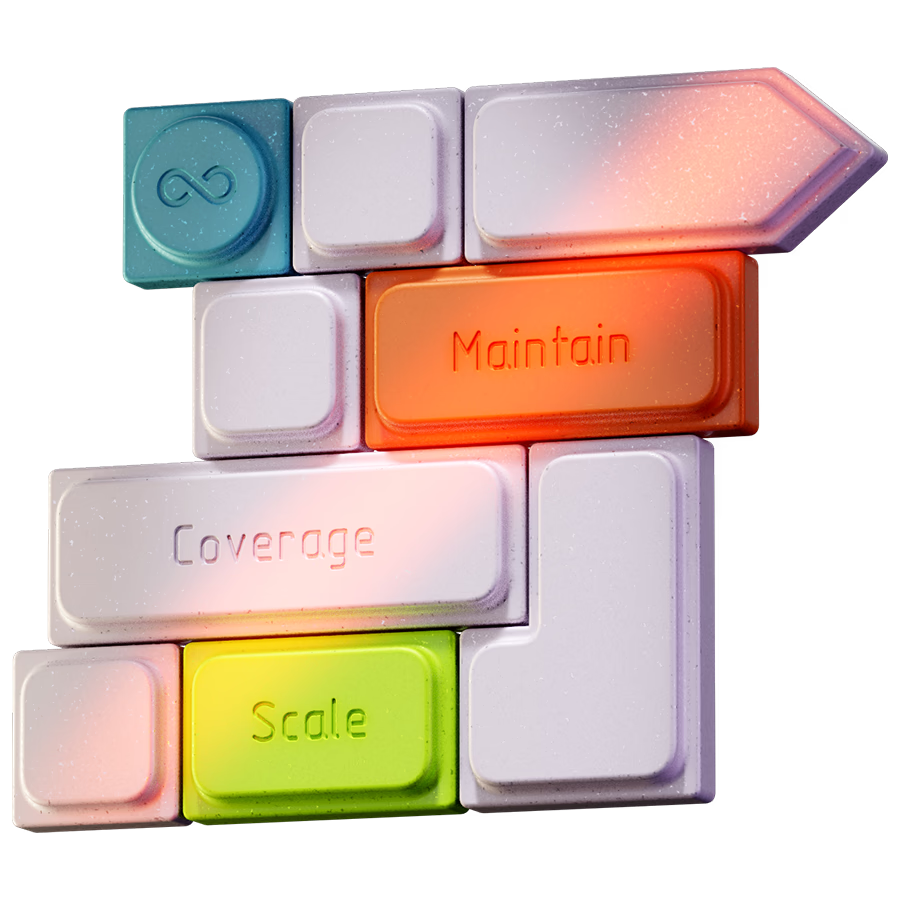
Stacked testing blocks labeled Maintain, Coverage, and Scale, representing AI software testing that keeps pace with every code change

Powering quality at scale

Conduent
ServiceNow
Uponor
McAfee
Banjo Health
Norstella
The AI code problem

More code than ever

The more your coding agent writes, the more there is to test. Studio closes that gap at scale by delivering what testing has always been missing: a real understanding of your application.
Three kinds of context
You
Your Context
Business requirements, domain knowledge, and what to test and why. You work in whichever tool fits, and your context carries across Studio and your coding agent.
Coding Agent
Codebase Context
How the code is structured, what changed, and how each change ripples through the rest of the codebase. Your agent reads and writes here but never sees what the code becomes when it runs.
Studio
Application Context
A real-time understanding of your application's response when code runs. Studio captures DOM, state, behavior, and environment before and after every test. Every result backed by seeing the application behave.
One connection

Connect where you already code

Through MCP, Studio works alongside your coding agent and sees your whole codebase - every file, every dependency, how it all connects. As you build, each change is tested against the code it touches across your whole app.
MCP Waitlist
Coding, CI/CD, and developer tools connected to an AI software testing platform through MCP
Stacked application test layers representing automated tests that write, update, and fix themselves as the UI changes.
Generate and heal

Tests that write and fix themselves

Studio generates tests against your live app as you ship, then keeps them green. When the UI changes, it re-observes the running app and repairs the selector, telling a real regression from flaky drift every time. No tests written by hand, no broken suites to chase.
Cost

Full coverage, a fraction of the tokens

Studio runs on models built for testing, not a general-purpose LLM, so covering every flow costs a fraction of the tokens. The rest of your budget goes to building.
Application interface model above data layers, representing full AI software test coverage using fewer tokens
What Changes

While you build, Studio is testing

Your coding agent can write ten thousand lines a day
Your test coverage shouldn’t fall behind on line one

4

ways

Studio keeps pace
Maintenance tax
Tests get written by hand or skipped. The UI shifts, they break, and nobody owns the fix.

You Unlock

Self-Healing

Studio authors, runs, and repairs every test. When the UI shifts, it re-observes the live app and fixes the selector. You never touch it.
Maintain button over application screens, representing automated test maintenance as the UI changes
Blind Spot
Code ships, and you find out what broke in production.

You Unlock

Caught before the merge

Every PR is tested against your live app the moment it's ready. Real regressions surface before they ever reach production.
triage tax
A test fails and you lose an hour deciding if it is a real bug or a flaky selector.

You Unlock

A verdict, not a mystery

Studio tells a real regression from a flaky selector every time. No more hour-long triage. You get a clear answer.
Testing workflow with connected steps and a refresh icon, representing faster failure checks and test updates
coverage gap
Coverage drifts between releases and nobody has a clear picture of what is tested.

You Unlock

Coverage you can see

Studio maps every flow it covers, live. You always know exactly what is tested and what isn't - no gaps, no guesses.

Start running tests before you close your editor

Connect to your application's context now
Start for Free
FAQ

No. Studio works from inside the coding agent you already use, through the Functionize MCP. You describe what to cover in the same place you write code, and Studio handles authoring, running, and healing the tests.

The heavy work - test generation, execution, and healing - runs on Studio's own engine, not on your coding agent credits. A handoff through MCP uses far fewer tokens than driving a full run from your coding agent, so your credits stay on building.

Your coding agent sees the diff and the intent, but never the app once it runs. Studio tests against your live app and environments, heals when the UI changes, and tells a real regression from a flaky run. You get tests that hold up, not scripts that rot.

Minutes. Add the Functionize skill to your coding agent, point Studio at a flow, and it builds and runs the first test right away. You can scale from a single test to hundreds of thousands with no infrastructure to stand up

Go Deeper
Testers
See it for your QA team
Learn more
LEaders
The business case
Learn more
Architecture
Understand the tech
Learn more
Integrations
See what is coming to
Learn more