Article
10 Best Agile Testing Tools to Speed Up Your Releases
Discover top AI-driven and cloud-based agile testing tools for faster CI/CD, less test flakiness, and higher-quality releases with authentic user reviews.

Agile teams work in short cycles, release often, and change fast. Because of this speed, testing cannot be left to the end of development. It must run alongside every sprint and every pipeline stage.
Continuous testing within CI/CD pipelines helps teams release with confidence while maintaining quality and stability. That is why agile testing tools have become a core part of modern Agile delivery.
Why Agile Testing Tools Matter Today?
Agile testing tools matter today because they help teams test continuously, respond quickly to change, and release software without delays. These tools reduce manual effort while keeping feedback clear and fast across sprint cycles. Many agile testing solutions also improve collaboration between developers, testers, and product teams.
From sprint planning to continuous delivery, testing supports every Agile step. Fixing defects late in the process costs much more than fixing them early, especially for U.S.-based teams working at scale. Early and continuous testing lowers rework costs and protects release timelines.
What "Continuous Testing" Actually Means for Engineering Teams
Continuous testing means automated tests run on every code change, across environments, before software reaches production. It connects testing directly to CI/CD pipelines, rather than waiting for a separate QA phase. This allows teams to catch issues early and fix them within the same sprint.
Top 10 Agile Testing Tools at a Glance
Functionize
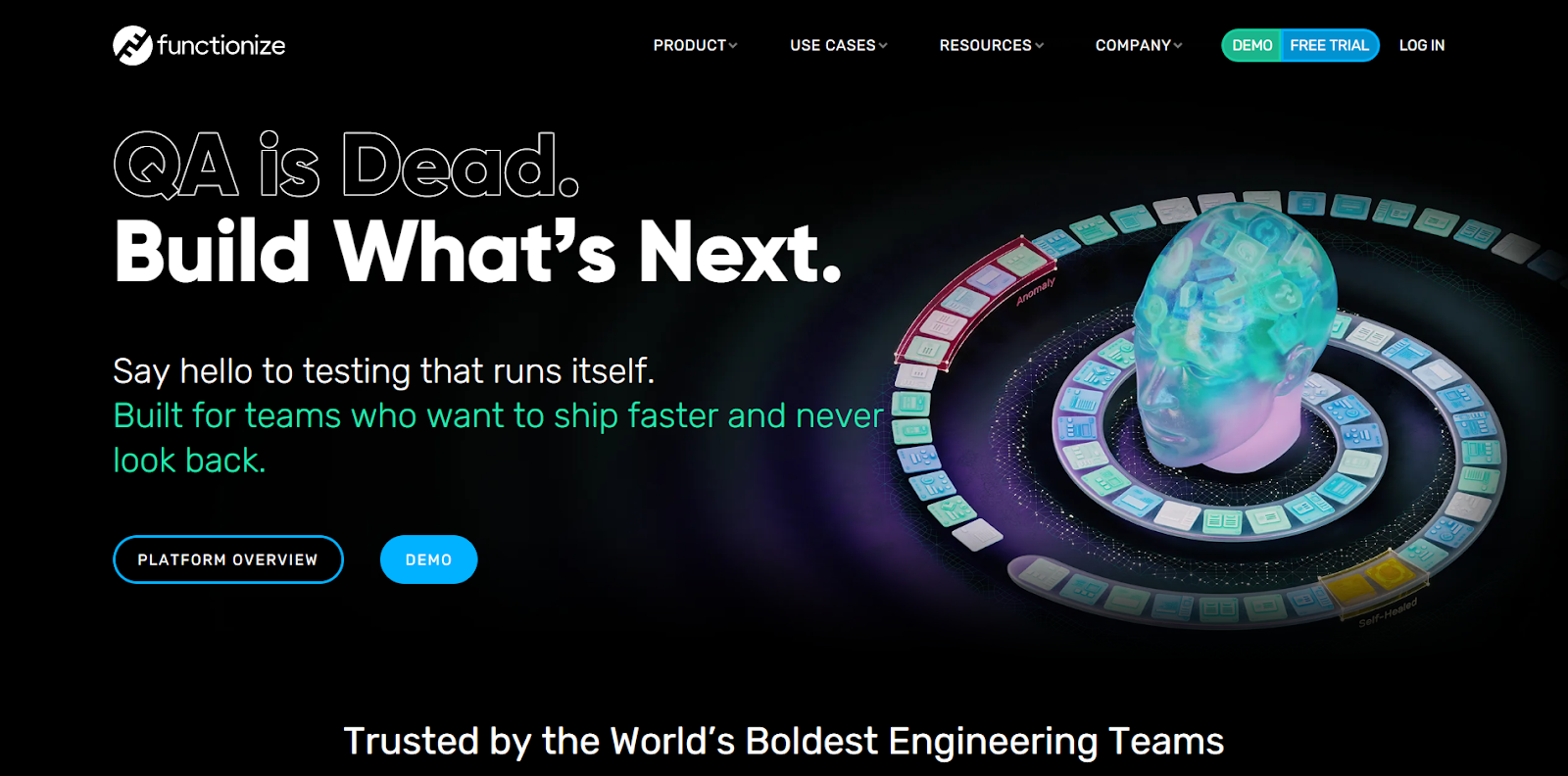
Functionize is the top choice among agile testing tools because it is explicitly built for fast-moving Agile teams. The platform uses AI-driven automation to create, run, and maintain end-to-end tests that adapt as applications change. Teams can build tests using natural language steps, making test creation accessible to both technical and non-technical users.
What sets Functionize apart in 2026 is its NLP-powered authoring and LLM-assisted test generation. These capabilities help teams turn user flows and requirements into stable automated tests with less effort. Self-healing automation ensures tests remain reliable even when UI elements change during frequent sprint updates.
Functionize supports functional, visual, and regression testing within a single platform. Intelligent element recognition and visual diffing protect UI stability across releases. With cloud-scale parallel execution, teams reduce flakiness and keep CI/CD pipelines fast.
Key Features
- AI-driven automation: Builds stable tests using learning models instead of fixed scripts.
- NLP-based authoring: Creates tests from readable steps without heavy coding effort.
- LLM-assisted generation: Suggests test paths, steps, and variations automatically.
- Self-healing tests: Adjusts locators automatically when interfaces change.
- Visual diffing: Detects UI changes with precise visual comparison results.
- Cross-platform execution: Runs tests across browsers and environments at scale.
- Parallel cloud runs: Executes large suites quickly inside CI/CD pipelines.
- Intelligent element recognition: Targets intent instead of fragile selectors.
- Advanced AI reporting: clearly shows failures, trends, and stability signals.
- Agile workflow fit: Supports frequent releases without growing test debt.
Platform
Web-based, cloud-native execution.
Use Case Example
- Complete regression testing after every sprint merge.
- Visual validation for UI updates before release.
- Cross-team automation using shared natural language steps.
Pricing Mode
Subscription-based pricing with custom plans.
Customer Ratings
G2 reviews: 11, G2 rating: 4.6
Features Valued by Users on Capterra or G2
- Strong self-healing that reduces ongoing test maintenance.
- Reliable cloud execution for large Agile teams.
- Easy test creation with natural-language steps.
- Clear visual validation for UI stability.
- Fast parallel execution inside CI/CD pipelines.
- Helpful onboarding and responsive customer support.
Cypress
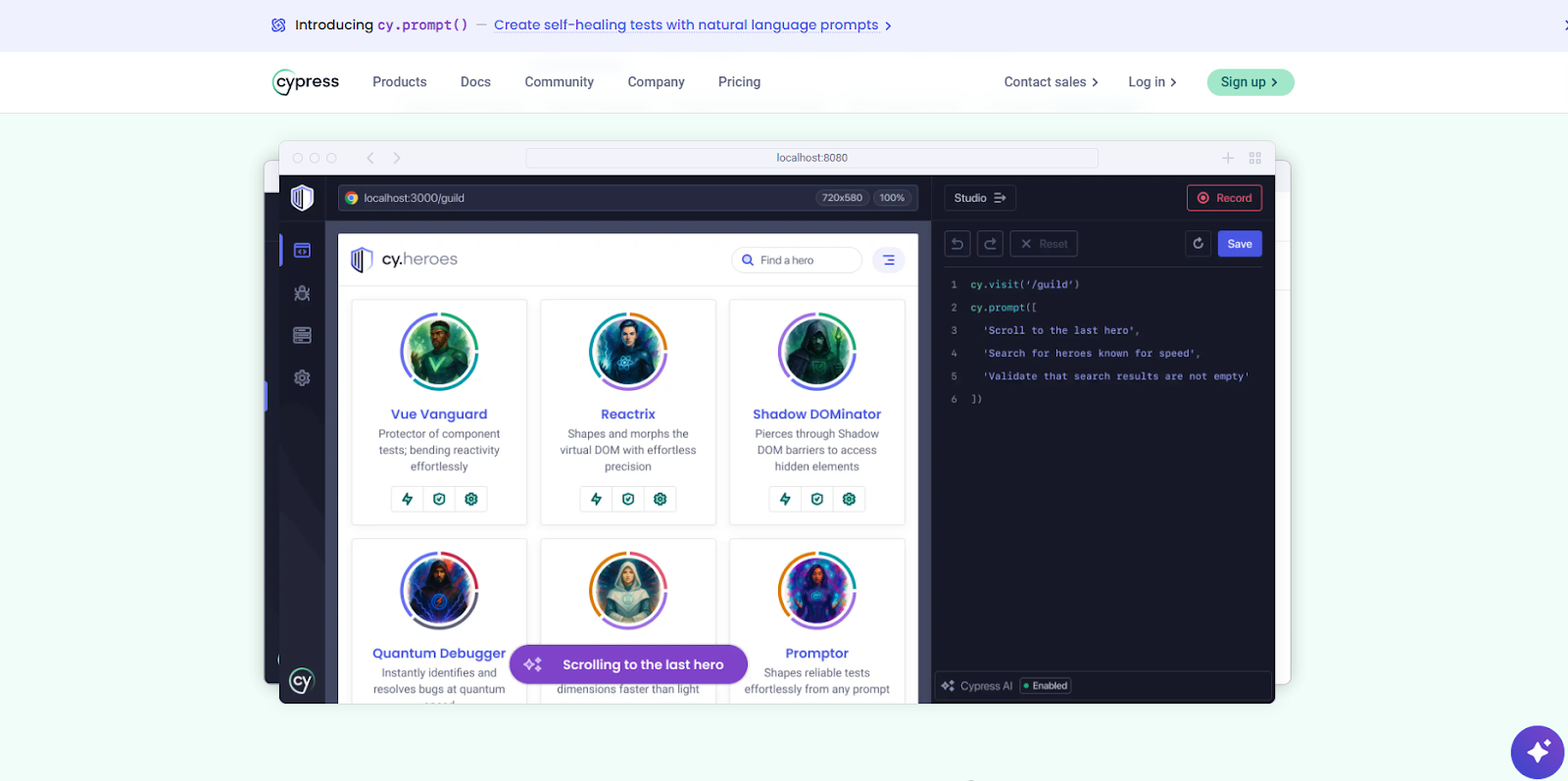
Cypress is a front-end testing tool built for modern web applications and fast Agile delivery. It runs tests inside the browser, so teams see real behaviour, not simulations. This makes feedback quick during sprint work, especially for UI changes.
Cypress is popular with developer-led QA because it fits daily coding workflows and supports fast debugging. The tool shows clear logs, screenshots, and a time-travel-style step-by-step review to trace failures. It also handles automatic waiting, which helps reduce timing issues in common UI flows.
Cypress works best when teams want quick confidence on core user paths in CI/CD pipelines. However, it is mainly focused on web UI testing and is less flexible for mobile device coverage. It also relies on JavaScript, which may not be compatible with every team. For many Agile web teams, it remains a strong choice for fast, repeatable UI checks.
Key Features
- In-browser execution: Runs tests in the same runtime as the application.
- Automatic waiting: Handles async UI states without extra manual wait code.
- Time-travel debugging: Replays commands and snapshots to quickly inspect failures.
- Network control: Stubs, spies, and intercepts requests for stable tests.
- Component testing: Tests UI components in isolation for fast feedback.
- CI/CD support: Integrates with pipelines for automated checks on every push.
- Rich artifacts: Produces videos, screenshots, and logs for easier triage.
Drawbacks
- JavaScript-only toolchain limits teams using other languages.
- Real mobile device testing is not supported natively.
- Multi-tab and multi-window flows are complex to automate.
- Cross-browser testing can be limited outside the main browsers.
- Not ideal for huge suites without strong test discipline.
- Some advanced scenarios require custom workarounds and deeper setup.
Platform
Windows, macOS, Linux (runs in supported browsers).
Use Case Example
- Smoke tests on key UI flows after every merge.
- Component tests for React or Vue UI libraries.
- Regression checks for single-page apps during sprint releases.
Pricing Mode
Free open-source framework; Cypress Cloud offers paid team plans.
Customer Ratings
G2 reviews: 105, G2 rating: 4.7
Capterra reviews: 67, Capterra rating: 4.7
Features Valued by Users
- Fast local feedback speeds up sprint work and bug fixes.
- Clear debugging tools reduce the time spent on failure investigation.
- Automatic waits improve stability for dynamic UI interactions.
- Strong support for the JavaScript ecosystem fits modern web teams.
- Good CI/CD alignment for consistent checks on every change.
- Practical artifacts like video and screenshots improve collaboration.
Mabl
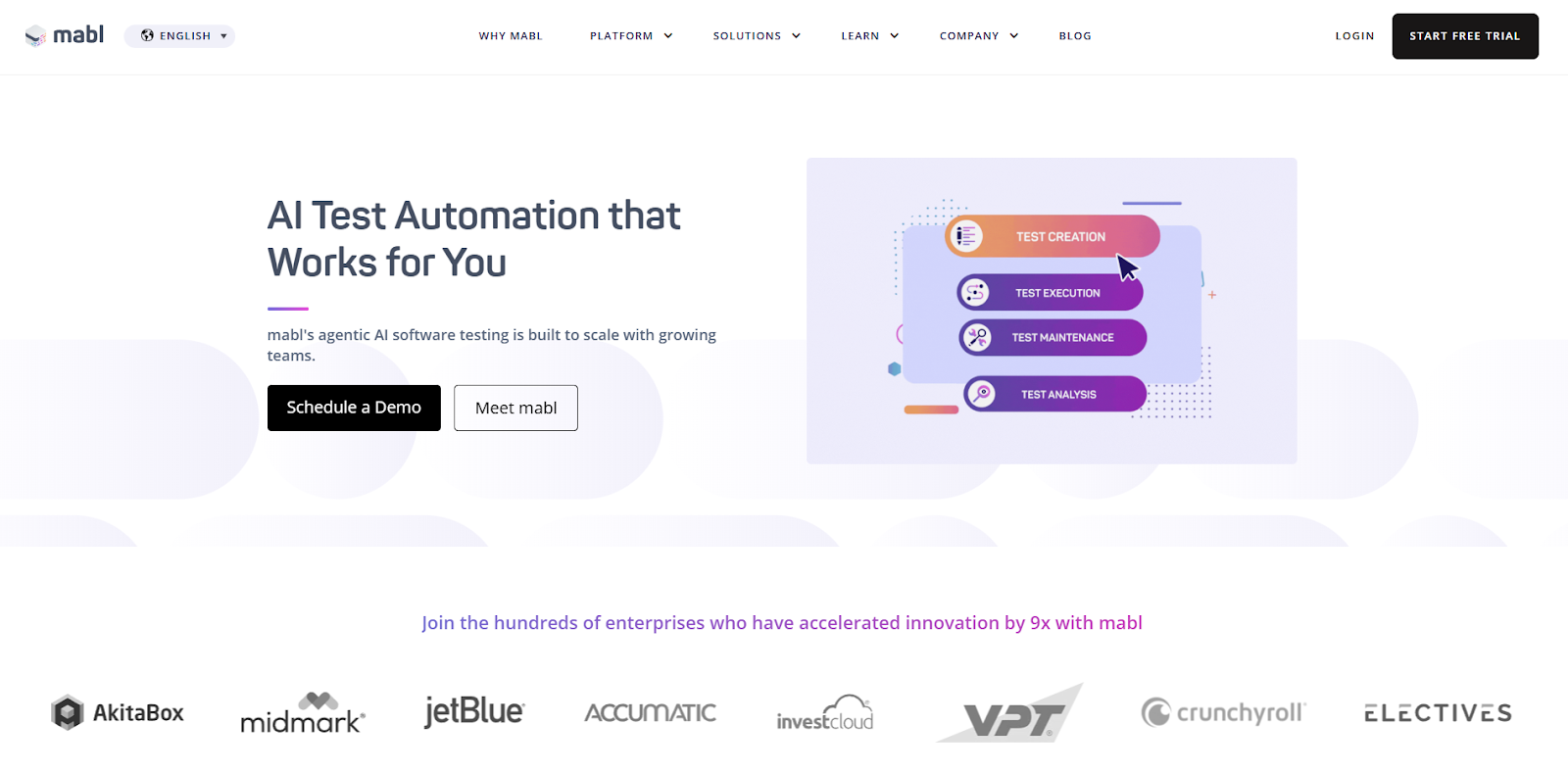
mabl is a low-code test automation platform designed for continuous, Agile testing in Agile teams. It helps teams create and run tests without heavy scripting, accelerating adoption. mabl supports UI and API testing, and it can add performance checks to catch slowdowns early.
The agile testing tool runs in the cloud and supports parallel execution, enabling faster test cycles. It also uses innovative learning to reduce test breakage when applications change during sprints. Teams can review results in one place, with dashboards that track failures and trends. This makes it easier to decide what to fix first before release.
mabl fits teams that want one platform for authoring, running, and reporting. However, pricing is usually custom, and some teams want greater control over advanced workflows. For many mid-size and enterprise groups, it offers stable automation that supports fast release schedules.
Key Features
- Low-code authoring: Create tests quickly using guided steps and simple editors.
- Cloud execution: Run tests without managing local infrastructure or machines.
- Parallel runs: Execute suites more quickly to meet sprint and release deadlines.
- Self-healing support: Adapts to changes to reduce test maintenance load.
- UI + API coverage: Validate front-end flows and critical backend endpoints together.
- Performance signals: Catch slow pages during functional checks.
- Unified reporting: Track failures, trends, and stability in one dashboard.
Drawbacks
- Pricing is often custom and may not suit smaller budgets.
- Advanced customization can require scripting beyond low-code features.
- Local execution options may have limits compared to cloud runs.
- API testing features may feel lighter than dedicated API tools.
- Occasional false failures can appear with timing-heavy applications.
- Some teams want more control over selectors and locator strategies.
Platform
Cloud-based SaaS (web interface and managed runners).
Use Case Example
- Regression suite runs in parallel after each sprint merge.
- UI + API checks for checkout and login user journeys.
- Release-gate testing with dashboards to track pass/fail trends.
Pricing Mode
Custom pricing based on team needs and usage.
Customer Ratings
G2 reviews: 37, G2 rating: 4.5
Capterra reviews: 67, Capterra rating: 4.0
Features Valued by Users
- A low-code setup helps teams start automating faster.
- Cloud runs reduce the need for internal test infrastructure.
- Parallel execution shortens regression cycles before release.
- Dashboards make results easy to share with stakeholders.
- Self-healing reduces time spent fixing broken tests.
- Combined UI and API checks support better end-to-end coverage.
Tricentis Testim
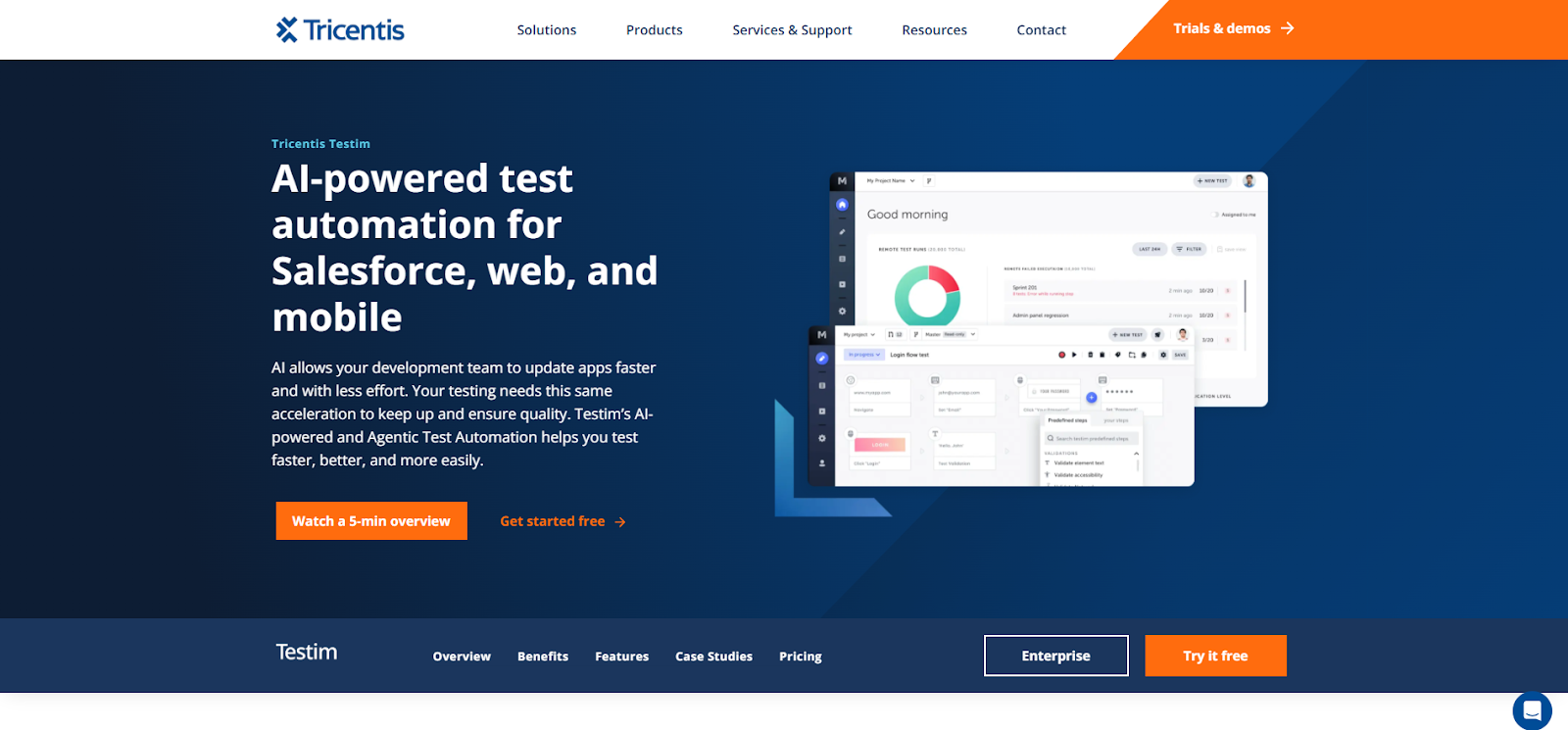
Tricentis Testim is a UI test automation platform built to help Agile teams move faster with less test upkeep. It focuses on stable UI automation by using smart locators that can handle change. This is helpful when teams release often, and UI elements shift during sprints.
Testim supports low-code test creation, so teams can build tests by recording flows and editing steps with minimal code. It also supports reusable groups, which helps teams scale test suites without repeating work. Parallel execution reduces run times, making it easier to fit tests into CI/CD pipelines.
Testim is often used for regression testing where stability and speed matter. It works best for web UI coverage and can fit teams that want faster automation without building a complete framework. However, pricing is typically custom and may require a sales contact. For many teams, Testim improves reliability when compared to fragile selector-based scripts.
Key Features
- AI locators: Keep tests stable by automatically adapting to UI changes.
- Low-code creation: Record flows and edit steps with minimal coding.
- Reusable groups: Share everyday actions across tests to reduce duplication.
- Parallel execution: Shortens runs for faster feedback in CI/CD pipelines.
- Test analytics: Tracks stability signals and failure patterns over time.
- Version control support: Helps manage test updates across teams.
- Integrations: Connects with CI/CD tools and common QA workflows.
Drawbacks
- Pricing is not fully public and often requires a sales contact.
- API testing support is limited compared with dedicated API platforms.
- Complex logic may still require custom code steps.
- Visual validation is not as deep as specialist visual tools.
- Initial setup can take time for larger teams.
- Advanced governance features may need higher-tier plans.
Platform
Web-based UI automation with cloud execution options.
Use Case Example
- Stable UI regression suite for weekly or daily releases.
- Reusable login and checkout flows shared across multiple test suites.
- Parallel test runs as a release gate in CI/CD pipelines.
Pricing Mode
Custom pricing based on team size and required capabilities.
Customer Ratings
G2 reviews: 50, G2 rating: 4.5
Capterra reviews: 50, Capterra rating: 4.6
Features Valued by Users
- Stable locators reduce test breaks when UI changes frequently.
- Low-code editor helps teams build tests faster.
- Reusable steps reduce duplication in large regression suites.
- Parallel runs deliver faster feedback for Agile delivery.
- Analytics help spot flaky tests and unstable flows.
- Integrations support CI/CD and common team workflows.
Applitools
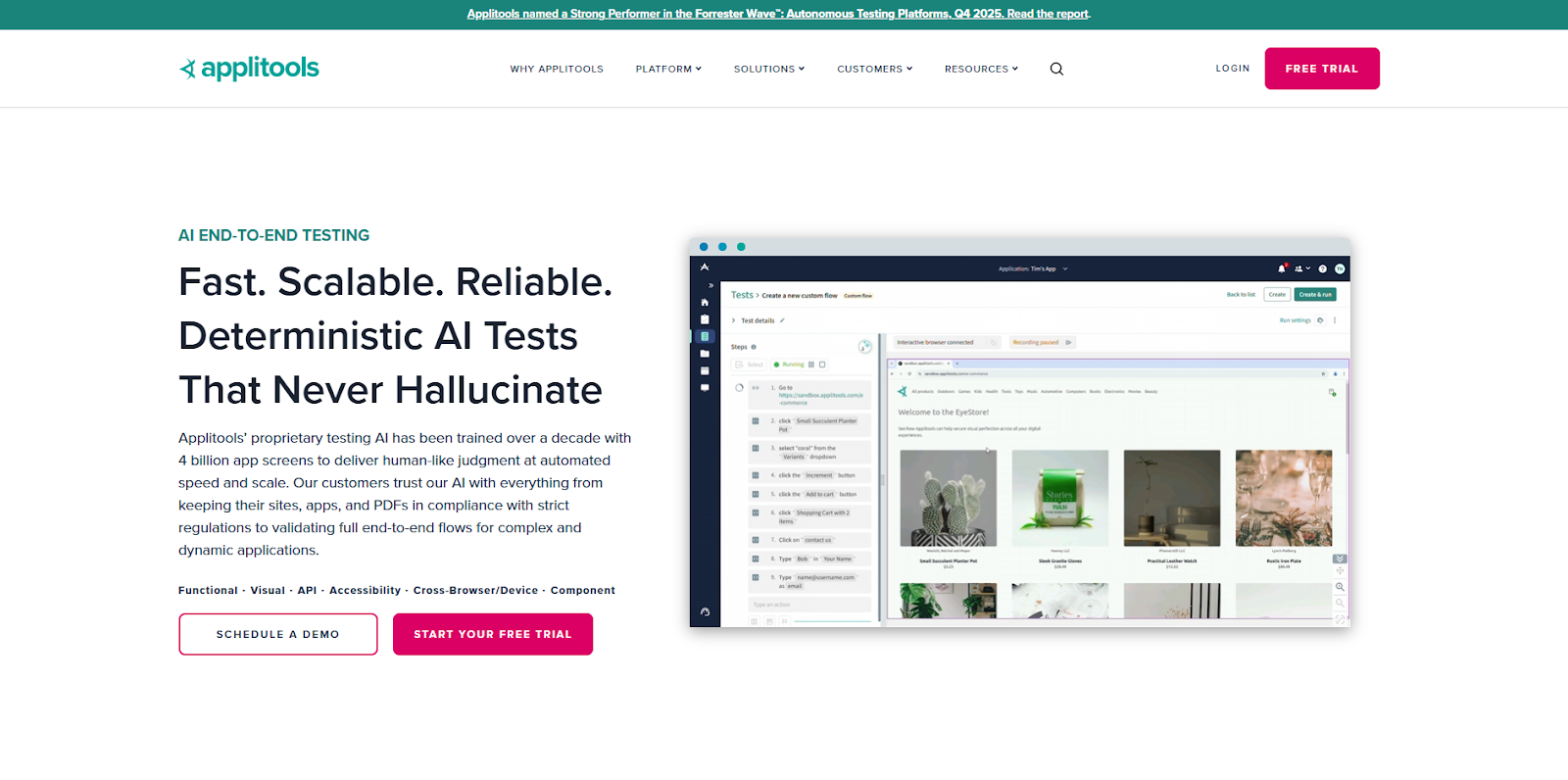
Applitools is a visual testing platform that focuses on how applications look across browsers and devices. It uses AI to compare screenshots and detect visual changes that functional tests often miss. This makes it useful for Agile teams where UI updates happen frequently during sprints.
Applitools works alongside existing automation frameworks rather than replacing them. Teams connect it to tools like Selenium or Cypress to add visual checks to current tests. Its Visual AI engine filters out false positives, so teams only review real visual issues. This saves time during regression testing and release reviews.
Applitools is often used by design-heavy teams that care about layout, spacing, and visual consistency. While it does not handle the complete test logic on its own, it strengthens overall quality when paired with other Agile testing tools. For teams shipping often across many browsers, it helps protect UI stability without slowing delivery.
Key Features
- Visual AI engine: Detects fundamental UI changes instead of pixel-level noise.
- Cross-browser coverage: Validates layouts across many browsers and screen sizes.
- False-positive filtering: Reduces unnecessary visual review.
- Baseline management: Controls approved visual states across releases.
- Framework integrations: Works with Selenium, Cypress, and Playwright setups.
- Cloud execution: Scales visual tests without local infrastructure.
- Clear visual reports: Shows before-and-after screenshots for easy review.
Drawbacks
- Does not replace functional or logic-based automation tools.
- Initial setup can feel complex for new users.
- Pricing may be high for smaller teams.
- Requires pairing with another automation framework.
- Learning curve for baseline management workflows.
- UI navigation can feel heavy with large test sets.
Platform
Cloud-based visual testing platform.
Use Case Example
- Visual regression testing after UI changes.
- Cross-browser layout validation before release.
- Design consistency checks during Agile sprints.
Pricing Mode
Subscription-based plans with tiered usage.
Customer Ratings
G2 reviews: 47, G2 rating: 4.5
Capterra reviews: 30, Capterra rating: 4.7
Features Valued by Users
- Accurate detection of meaningful visual differences.
- Substantial reduction of false positive visual failures.
- Wide browser and viewport coverage.
- Easy visual comparison reports.
- Reliable integration with existing test frameworks.
- Stable visual baselines across frequent releases.
Katalon
Katalon is an all-in-one automation platform that supports web, API, and mobile testing. It is designed for Agile teams that want flexibility between low-code and scripting approaches. Testers can start with guided workflows and later add custom code when needed. This makes Katalon useful for teams with mixed skill levels.
The platform includes built-in reports and supports CI/CD integration, helping teams track quality across sprints. Katalon also supports parallel execution to reduce regression time before releases. Teams often choose it to avoid managing separate tools for different testing layers.
While setup can take time for advanced use, it provides broad coverage in a single environment. Katalon fits teams that want control without having to build a framework from scratch. It is commonly used by Agile teams scaling automation across multiple projects.
Key Features
- Low-code interface: Helps testers create automation without heavy coding.
- Script support: Allows advanced logic using familiar languages.
- Web and mobile testing: Covers browsers and mobile platforms.
- API automation: Validates backend services during sprints.
- Parallel execution: Speeds up large regression suites.
- CI/CD integration: Supports automated testing in pipelines.
- Built-in reports: Central view of test results and trends.
Drawbacks
- IDE can feel heavy for smaller projects.
- Licensing costs increase with team size.
- Learning curve for advanced scripting features.
- UI can feel crowded with many options.
- Mobile setup may require extra configuration.
- Performance testing features are limited.
Platform
Windows and macOS.
Use Case Example
- Unified testing across web, API, and mobile apps.
- Regression testing before sprint releases.
- API validation alongside UI flows.
Pricing Mode
Free; $229/mo (Create); $182-$200/mo (Expand); Enterprise custom.
Customer Ratings
G2 reviews: 1318, G2 rating: 4.5
Capterra reviews: 166, Capterra rating: 4.5
Features Valued by Users
- All-in-one testing across multiple platforms.
- Flexible low-code and scripting options.
- Strong community and learning resources.
- Built-in reporting for Agile visibility.
- CI/CD integration for continuous testing.
- Good balance between ease and control.
BrowserStack

BrowserStack is a cloud platform that provides real browsers and real devices for testing. It is widely used by Agile teams that need cross-browser and cross-device coverage. Instead of maintaining local devices, teams access a large device cloud on demand.
BrowserStack supports both manual and automated testing using frameworks such as Selenium and Appium. This makes it easy to plug into existing Agile testing tools. Parallel sessions help teams test faster during release cycles.
BrowserStack is often used to validate user experience across different environments before production. While it is not a complete automation framework, it plays a key role in compatibility testing. For teams shipping to many users, it helps catch environment-specific issues early. It fits nicely into CI/CD pipelines where fast feedback matters.
Key Features
- Real device cloud: Access phones, tablets, and browsers instantly.
- Wide coverage: Supports many OS and browser combinations.
- Parallel testing: Runs multiple sessions at the same time.
- Manual testing support: Allows live testing on real devices.
- Automation support: Works with Selenium and Appium frameworks.
- Secure tunnels: Test apps behind firewalls safely.
- Quick setup: No local device management needed.
Drawbacks
- Costs increase as usage scales.
- Not a full automation authoring tool.
- Session limits on lower pricing tiers.
- Reporting features are basic.
- Network speed can vary by region.
- Device selection can feel overwhelming initially.
Platform
Cloud-based browser and device testing service.
Use Case Example
- Cross-browser compatibility testing.
- Mobile testing on real devices.
- Final checks before production releases.
Pricing Mode
Subscription-based plans: $12.50/mo (annual), $19/mo (month-to-month), free for open source.
Customer Ratings
G2 reviews: 1318, G2 rating: 4.5
Capterra reviews: 166, Capterra rating: 4.5
Features Valued by Users
- Access to real devices without maintenance.
- Broad browser and OS coverage.
- Easy cloud-based testing setup.
- Parallel sessions for faster feedback.
- Strong integration with automation frameworks.
- Reliable testing across global environments.
Sauce Labs
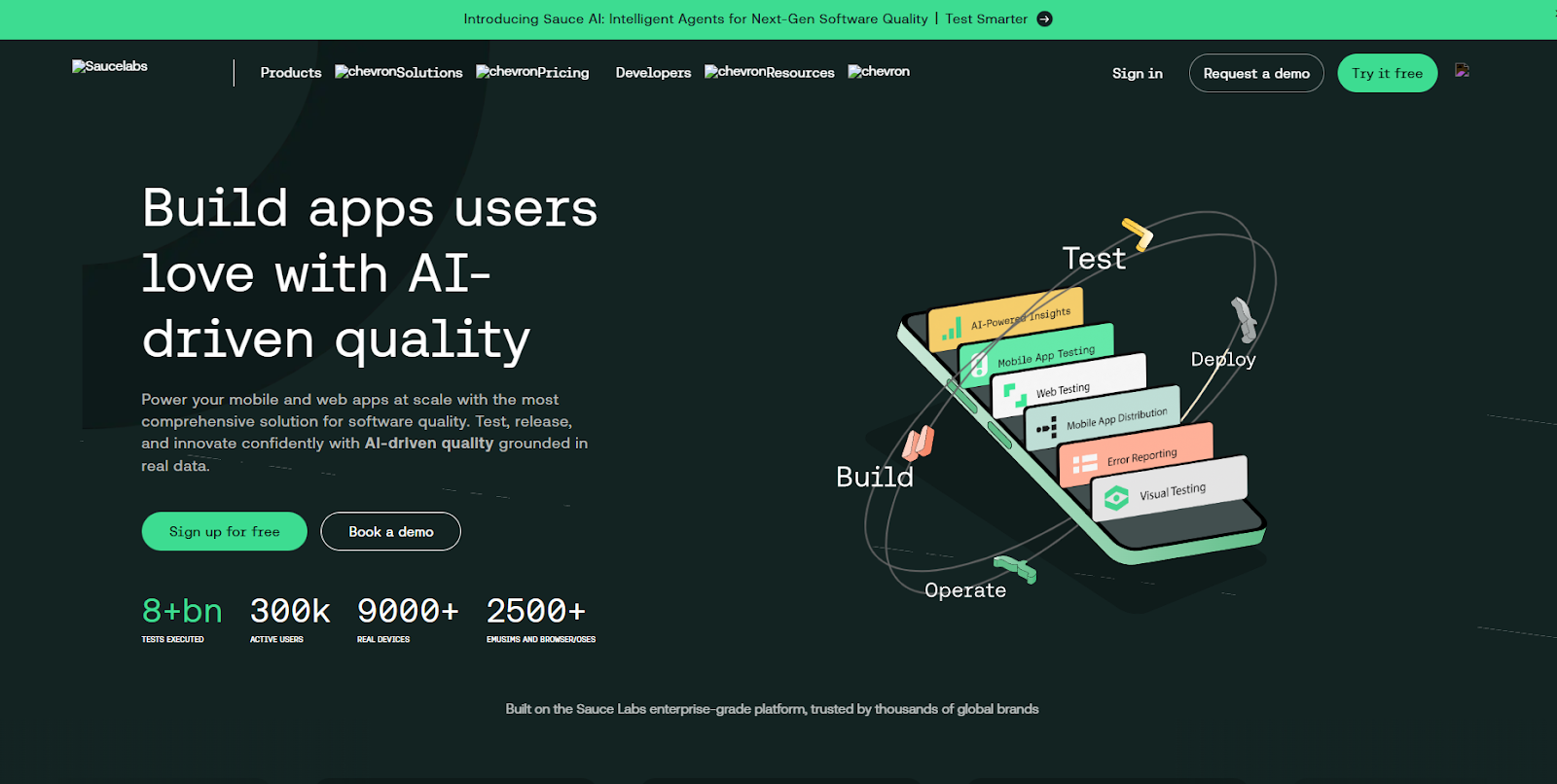
Sauce Labs is a cloud-based testing platform focused on browser and mobile device coverage. It helps Agile teams run tests across many browsers, operating systems, and devices without managing hardware. Teams can use it for both manual and automated testing, making it useful across different sprint stages.
Sauce Labs integrates well with popular frameworks such as Selenium and Appium, allowing teams to keep existing test code. Parallel execution helps reduce test time during release cycles. The platform also supports secure testing for internal applications using tunnel connections.
Sauce Labs is often used by teams that need broad agile testing solutions across environments and enterprise-level security. While setup can take time, it fits nicely into CI/CD pipelines once configured. It is not an authoring tool, but it plays a strong role in execution and validation. For Agile teams shipping across many environments, it helps reduce production risks.
Key Features
- Real device testing: Validates apps on physical mobile devices.
- Browser cloud: Runs tests across many browser versions.
- Parallel execution: Speeds up testing during sprint releases.
- Framework support: Works with Selenium and Appium.
- Secure tunnelling: Tests internal apps behind firewalls.
- CI/CD integration: Fits modern delivery pipelines.
- Session recording: Helps teams debug failures faster.
Drawbacks
- Initial setup can feel complex.
- Costs increase with higher usage.
- Dynamic tests may need tuning.
- Not a full test authoring platform.
- Reporting can feel limited.
- Advanced features require experience.
Platform
Cloud-based testing platform.
Use Case Example
- Cross-browser regression testing before release.
- Mobile testing on real devices.
- Secure testing for internal applications.
Pricing Mode
Subscription-based pricing with tiered plans: Live $39/mo (annual), Virtual $149/mo (annual), Real Device $199/mo (annual)
Customer Ratings
G2 reviews: 170, G2 rating: 4.3
Capterra reviews: 31, Capterra rating: 4.5
Features Valued by Users
- Wide device and browser coverage.
- Strong enterprise security options.
- Reliable parallel test execution.
- Framework compatibility for existing tests.
- Session recordings for debugging.
- Good CI/CD pipeline support.
Tricentis Tosca
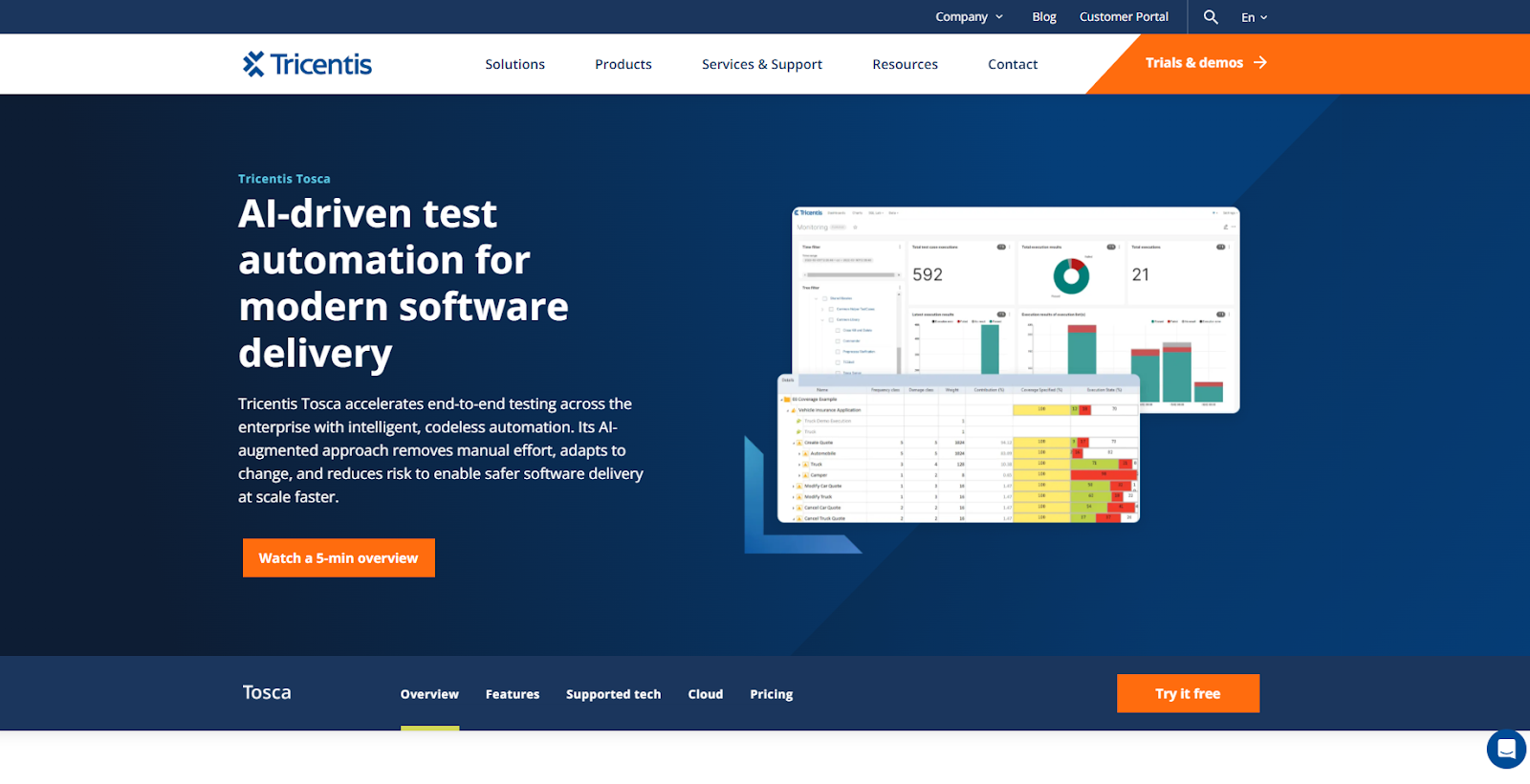
Tricentis Tosca is an enterprise-focused Agile testing tool designed for large Agile programs. It uses a model-based approach that reduces scripting and improves test reuse. This helps teams manage large test suites across many applications.
Tosca supports UI and API testing and is well-suited for regulated environments. Agile teams use it to standardize testing while keeping release cycles moving. The platform emphasizes governance, traceability, and reuse, which helps maintain consistency across teams. Parallel execution allows large suites to run within CI/CD timelines.
Enterprises with complex systems and long-term automation goals often choose Tosca. While powerful, it can feel heavy for small teams. For large organizations, it provides control, scale, and stability.
Key Features
- Model-based automation: Reduces script maintenance through abstraction.
- Low-code design: Supports business and QA users.
- Reusable components: Share test assets across teams.
- UI and API coverage: Validates multiple application layers.
- Parallel execution: Efficiently handles large suites.
- Enterprise reporting: Tracks quality and compliance metrics.
- Governance controls: Supports regulated environments.
Drawbacks
- High cost for small teams.
- Steep learning curve initially.
- Heavy setup for simple projects.
- Overkill for lightweight applications.
- Limited open community resources.
- Requires planning for infrastructure.
Platform
Enterprise-grade automation platform.
Use Case Example
- Large Agile programs with many applications.
- Regulated testing environments.
- Standardized automation across teams.
Pricing Mode
Custom enterprise pricing.
Customer Ratings
G2 reviews: 71, G2 rating: 4.2
Capterra reviews: 17, Capterra rating: 4.3
Features Valued by Users
- Strong reuse across large test suites.
- Stable model-based automation approach.
- Enterprise-level governance and reporting.
- Scalable execution for complex systems.
- Support for compliance needs.
- Consistent testing across teams.
TestComplete
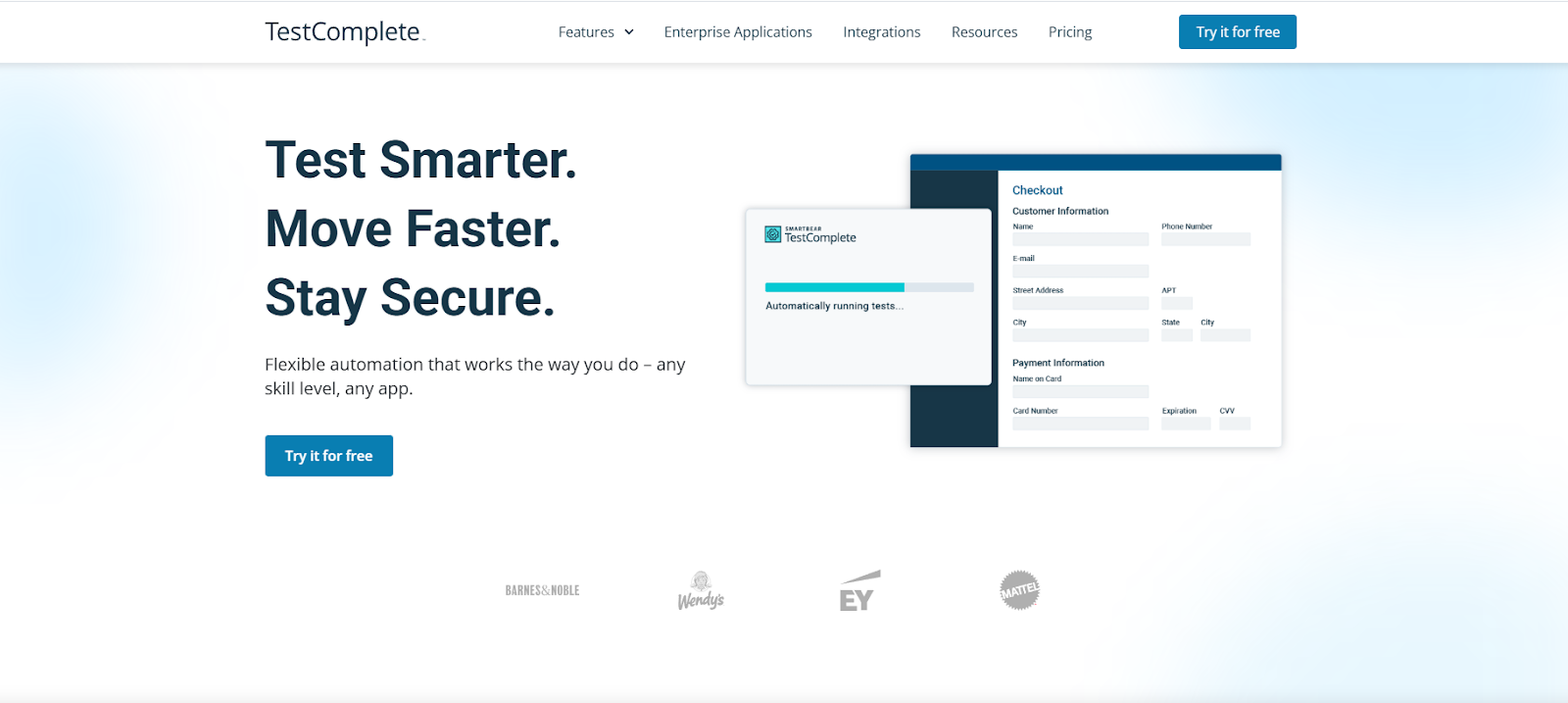
TestComplete is a test automation tool known for its strong agile testing solutions for desktop and web testing. It is often used by Agile teams working with Windows applications. The platform supports both keyword-driven and scripted testing, giving teams flexibility.
TestComplete can automate desktop, web, and mobile UI tests in a single tool. Parallel execution helps reduce regression time before releases. It integrates with CI/CD pipelines, allowing automated runs during sprints. Teams value its object recognition capabilities, which help keep tests stable.
However, it is more Windows-focused and less cloud-native. Licensing costs can be high, especially for larger teams. For Agile teams with desktop-heavy products, it remains a reliable option.
Key Features
- Desktop automation: Strong support for Windows applications.
- Keyword-driven testing: Builds tests without heavy coding.
- Scripted testing: Supports advanced automation logic.
- UI object recognition: Improves test stability.
- Parallel execution: Speeds up regression cycles.
- CI/CD integration: Fits Agile delivery pipelines.
- Detailed reports: clearly show execution results.
Drawbacks
- High licensing costs.
- Windows-focused platform.
- Limited cloud-native features.
- UI feels dated.
- Mobile setup requires effort.
- Scripting has a learning curve.
Platform
Windows-based.
Use Case Example
- Desktop application regression testing.
- Mixed desktop and web UI validation.
- Automated UI checks during releases.
Pricing Mode
Perpetual or subscription license: Approx. $6,499 per license
Customer Ratings
G2 reviews: 97, G2 rating: 4.2
Capterra reviews: 6, Capterra rating: 4.0
Features Valued by Users
- Strong desktop automation support.
- Flexible keyword and scripting options.
- Stable UI object recognition.
- Parallel execution capability.
- Clear test reports.
- CI/CD compatibility.
Best Agile Testing Tools Selection Criteria and Methodology
Selecting the best Agile testing tools for this guide required a structured, evidence-based methodology that assessed how well each platform supports rapid iteration, continuous feedback, and reliable automation in modern Agile and DevOps environments.
Because Agile teams depend on fast release cycles and constant collaboration, each tool was evaluated for its ability to accelerate delivery while maintaining quality.
Our approach combined market research, vendor documentation, and verified customer reviews from platforms such as G2 and Capterra, ensuring that every included tool meets real-world expectations.
Agile Testing Coverage
Effective Agile testing touches multiple layers of the development lifecycle, so each tool was assessed on how comprehensively it supports key testing domains, including:
- UI and functional regression testing
- API and integration testing for distributed systems
- Mobile, cross-browser, and device-based testing
- Performance and load validation
- Exploratory testing to uncover defects during sprints
- Continuous testing within CI/CD pipelines
Preference was given to agile testing tools that could reliably support several of these domains, reducing the need for fragmented toolchains and enabling faster iteration across teams.
User Adoption, Popularity & Verified Reviews
To ensure reliability and real-world success, tools were filtered through strict user-validation criteria:
- A minimum of 10+ verified reviews on G2, Capterra, or TrustRadius
- An average rating of 4.0 or higher
- Demonstrated presence in U.S.-based companies across various sizes
- Confirmed community activity, documentation, and responsive vendor support
This ensured that only trusted, proven tools with sustained adoption in Agile environments were included.
Feature Strength & Functional Depth
Because Agile environments demand speed and consistency, we evaluated functionality with an emphasis on automation velocity and resilience. Tools were examined on:
- Low-code or AI-assisted test creation
- Self-healing capabilities for reducing flaky tests
- Parallel execution and scalable cloud infrastructure
- Support for UI, API, performance, and visual testing
- Advanced reporting and real-time dashboards
Tools offering flexible test authoring, reliable maintenance, and deep automation capabilities ranked significantly higher.
Ease of Use & Team Accessibility
Agile teams consist of developers, testers, and product stakeholders, making usability a critical factor. Our evaluation considered:
- A straightforward, intuitive interface suitable for mixed-skill teams
- Low-code/no-code test creation options for non-engineers
- High-quality documentation, tutorials, and training paths
- Smooth onboarding and quick initial setup
User feedback from review platforms was cross-checked to confirm day-to-day practicality, minimizing the adoption curve for teams.
Scalability for Teams and Enterprises
To ensure long-term suitability, each tool was evaluated for scalability across project sizes and team maturities. Key factors included:
- Ability to manage large test suites efficiently
- Support for distributed, cloud-based, and parallel execution
- Suitability for startups, mid-market companies, and large enterprises
- Alignment with data from "Company Size" usage metrics on G2
Tools that scaled seamlessly across environments were prioritized to meet the demands of growing Agile teams.
Integration Capabilities
Modern Agile development depends on tight integration with the toolchain. Each tool was reviewed for compatibility with:
- CI/CD platforms like GitHub Actions, Jenkins, GitLab CI, and Azure DevOps
- Version control systems, including GitHub, GitLab, and Bitbucket
- Project management tools such as JIRA and Azure Boards
- Cloud platforms like AWS, Azure, and Google Cloud
This ensured reliable alignment with the broader DevOps ecosystem.
Cost, Value & Total Cost of Ownership
Cost analysis focused on overall value rather than the lowest price. Evaluation included:
- Licensing and subscription flexibility
- Predictability of execution or device-based charges
- Training and maintenance overhead
- ROI relative to automation speed and reduced manual effort
Only agile testing tools demonstrating substantial value across features and cost structures were included.
Innovation & Long-Term Viability
Finally, we prioritized tools that show ongoing investment in innovation, including:
- AI-driven automation and intelligent locators
- Support for microservices, containers, and modern architectures
- Frequent updates, security patches, and feature enhancements
The combination of these criteria led to the selection of the Agile testing tools featured in this guide. No sponsorship influenced this process; the evaluation was based solely on objective analysis of verified user feedback, expert insights, and real-world performance in Agile environments.
By following this rigorous methodology, the selected tools deliver the right blend of speed, usability, scalability, and innovation, making them suitable for a wide range of Agile testing needs in 2026 and beyond. This ensures readers have a trustworthy resource for choosing the best Agile testing tools for their teams.
Future Trends in Agile Testing
Agile testing is moving toward more innovative automation that reduces manual effort and keeps pace with rapid releases. Teams now expect tests to adapt automatically as applications change. This shift helps Agile teams maintain speed without losing quality.
As teams approach 2026, agile testing tools are being evaluated on stability, scalability, and learning capabilities. AI-driven automation, visual validation, and intelligent execution are becoming standard expectations. These changes allow teams to test more often without slowing delivery.
AI-Driven Automation Becomes the Foundation of Agile Testing
AI-driven automation is becoming the foundation of modern Agile testing workflows. Instead of rewriting tests, teams rely on systems that learn and adjust as applications evolve. This keeps automation stable even during frequent sprint changes.
LLM-Generated Tests Reshape How Teams Build Coverage
LLM-generated tests enable teams to turn user stories and requirements into automated flows quickly. These systems suggest edge cases and data variations that are often missed during manual planning. As a result, coverage improves without increasing sprint workload.
Visual Validation and Cloud Scale Define Future Execution
Visual validation is now essential as interfaces change across devices and browsers. Teams use visual checks to confirm layouts remain stable during fast releases. Combined with cloud-scale parallel execution, testing stays fast and reliable.
Frequently Asked Questions on Agile Testing Tools
What Makes a Testing Tool Truly "Agile-Ready"?
A testing tool is Agile-ready when it supports fast feedback, automation stability, and smooth CI/CD integration for frequent sprint-based releases. It must adapt quickly to changes without slowing delivery or increasing test maintenance.
Do Agile Testing Tools Replace Manual Testing Entirely?
Agile testing tools automate repeatable checks, but they do not replace manual testing needed for usability, exploration, and judgment-based validation. Human insight remains essential for uncovering edge cases and real user experience issues.
How Do Agile Testing Tools Help Reduce Flaky Tests?
Agile testing tools reduce flaky tests by using stable locators, smart waits, self-healing logic, and more precise failure diagnostics. These features help teams identify root causes rather than repeatedly rerunning unstable tests.
Are Agile Testing Tools Suitable for Small Teams or Only Enterprises?
Agile testing tools suit small teams when setup is simple, costs are controlled, and automation effort stays manageable. Enterprises benefit from scale, but adoption depends more on workflow needs than company size.
Conclusion
- These tools keep delivery fast by turning every change into early feedback.
- Functionize is #1 for AI + NLP automation, self-healing, and visual regression stability.
- Cloud parallelism and better reporting reduce flakiness and cut regression time.
- Pair authoring tools with device clouds when mobile/browser coverage is a priority.
- The best agile testing solutions match team skills, app types, and release cadence.